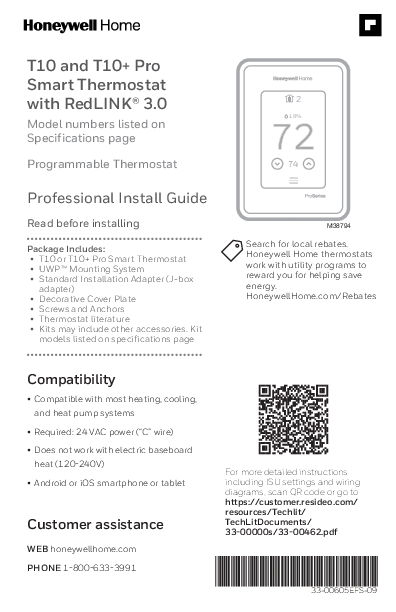
Installing a T10 or T10+ Pro involves more than connecting the thermostat wires. The system must also be configured for the home’s heating and cooling equipment, and any wireless sensors need to be paired correctly. This professional installation guide walks through those steps.
Product: Honeywell Home T10 & T10+ Pro Smart Thermostat
Technology: RedLINK 3.0
Document Number: 33-00605EFS-09
Document Type: Professional Installation Guide
Format: PDF
Languages: English, French, Spanish
Package Includes:
• T10 or T10+ Pro Smart Thermostat
• UWP™ Mounting System
• Standard Installation Adapter (J-box adapter)
• Decorative Cover Plate
• Screws and Anchors
• Thermostat literature
• Kits may include other accessories. Kit models listed on specifications page
Compatibility
• Compatible with most heating, cooling, and heat pump systems
• Required: 24 VAC power (“C” wire)
• Does not work with electric baseboard heat (120-240V)
• Android or iOS smartphone or tablet
Inside the guide are UWP mounting instructions, terminal identification, conventional and heat pump wiring diagrams, installer setup, wireless sensor pairing, troubleshooting, and technical specifications. It also covers connections for humidifiers, dehumidifiers, ventilators, and the T10+ Equipment Interface Module.
Before installation: These thermostats require 24 VAC power and a C wire. They are not designed for 120–240V electric baseboard heating. Check your HVAC system and thermostat model before following the wiring instructions.